OVERVIEW & SCOPE
Day-One Verification for Freshly Deployed Workstations
The first working day after a hardware swap determines whether a transition is perceived as seamless or disruptive. This review worksheet walks support staff and end users through a timed verification pass — authentication, connectivity, peripherals, and critical software — so unresolved gaps are caught within the first hour instead of surfacing as helpdesk tickets days later.
Device transitions require organized documentation to reduce operational friction and software discrepancies. These structured Worksheets guide technicians and employees step by step.
SPECIFICATIONS
Worksheet Metadata & Format Details
| Primary Format | Interactive Checklist (Fillable PDF & Digital Form) |
|---|---|
| Verification Scope | Authentication, network access, peripherals, core applications, user comfort items |
| Target Audience | Helpdesk engineers, desktop support staff, transitioning end users |
| Completion Window | First 60 minutes of the user's initial session on replacement hardware |
IMPLEMENTATION STEPS
Day-One Review Execution Sequence
Complete verification during Handoffs ensures that all device dependencies and security protocols are fully satisfied.
- Confirm primary domain login, multi-factor enrollment, and cached credential behavior on first sign-in.
- Validate network paths: corporate VPN, mapped drives, printers, and wireless profile auto-connection.
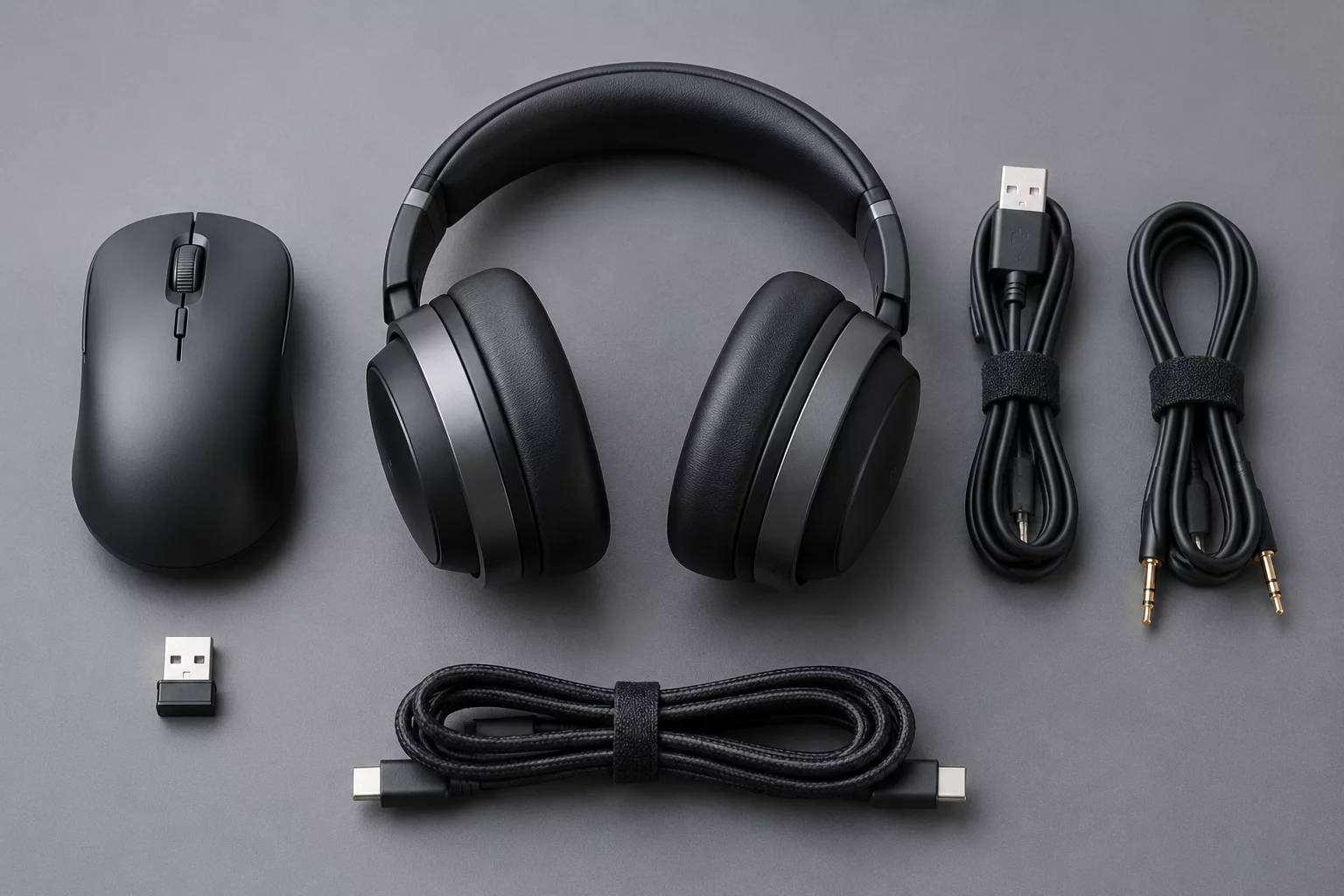
- Test every attached peripheral — displays, docks, headsets, webcams, and input devices — against the user's documented workflow.
- Launch business-critical applications, confirm license activation, and collect the user's final readiness confirmation signature.