OVERVIEW & SCOPE
Accurate Peripheral Auditing and Connector Compatibility
Unaccounted power adapters, proprietary display dongles, and specialized USB hardware frequently stall computer upgrades on rollout morning. This structured inventory format provides field engineers and team leads with a dependable method to record every cable, port replicator, dual-monitor setup, and desktop accessory.
Device transitions require organized documentation to reduce operational friction and software discrepancies. These structured Worksheets guide technicians and employees step by step.
SPECIFICATIONS
Hardware Audit Worksheet Parameters
| Target Hardware Group | External displays, Thunderbolt docks, input peripherals, conference webcams, audio interfaces |
|---|---|
| Supported Connectors | USB-C (Thunderbolt 4 / USB4), DisplayPort 1.4, HDMI 2.1, legacy USB-A, Ethernet RJ45 |
| Recommended Users | Desktop support engineers, IT asset managers, workplace logistics specialists, remote staff |
| Verification Elements | Hardware serials, power wattage delivery (PD), port counts, proprietary driver requirements |
IMPLEMENTATION STEPS
Step-by-Step Equipment Audit Process
Complete verification during Handoffs ensures that all device dependencies and security protocols are fully satisfied.
- Catalog primary and secondary monitors: document display resolutions, refresh rates, daisy-chaining configs, and native video connectors.
- Audit docking stations and power bricks: verify wattage ratings (65W, 90W, or 100W PD) to ensure matching power envelopes for new systems.
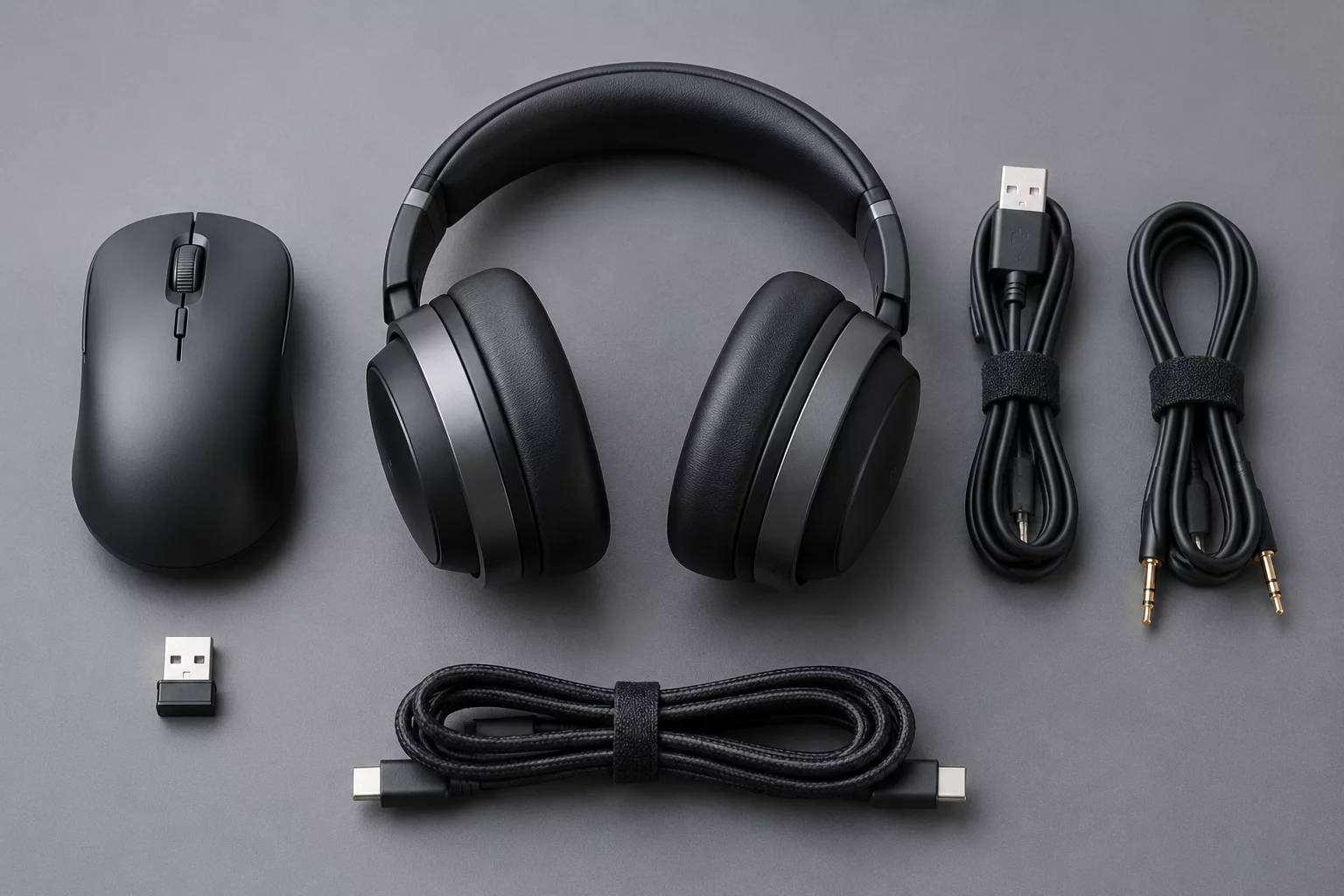
- Test user input accessories and communications gear: inspect dedicated wireless dongles, mechanical keyboard software bindings, and noise-canceling headsets.
- Log specialized and external USB devices: record smartcard readers, biometric scanners, high-speed storage arrays, and label printers.