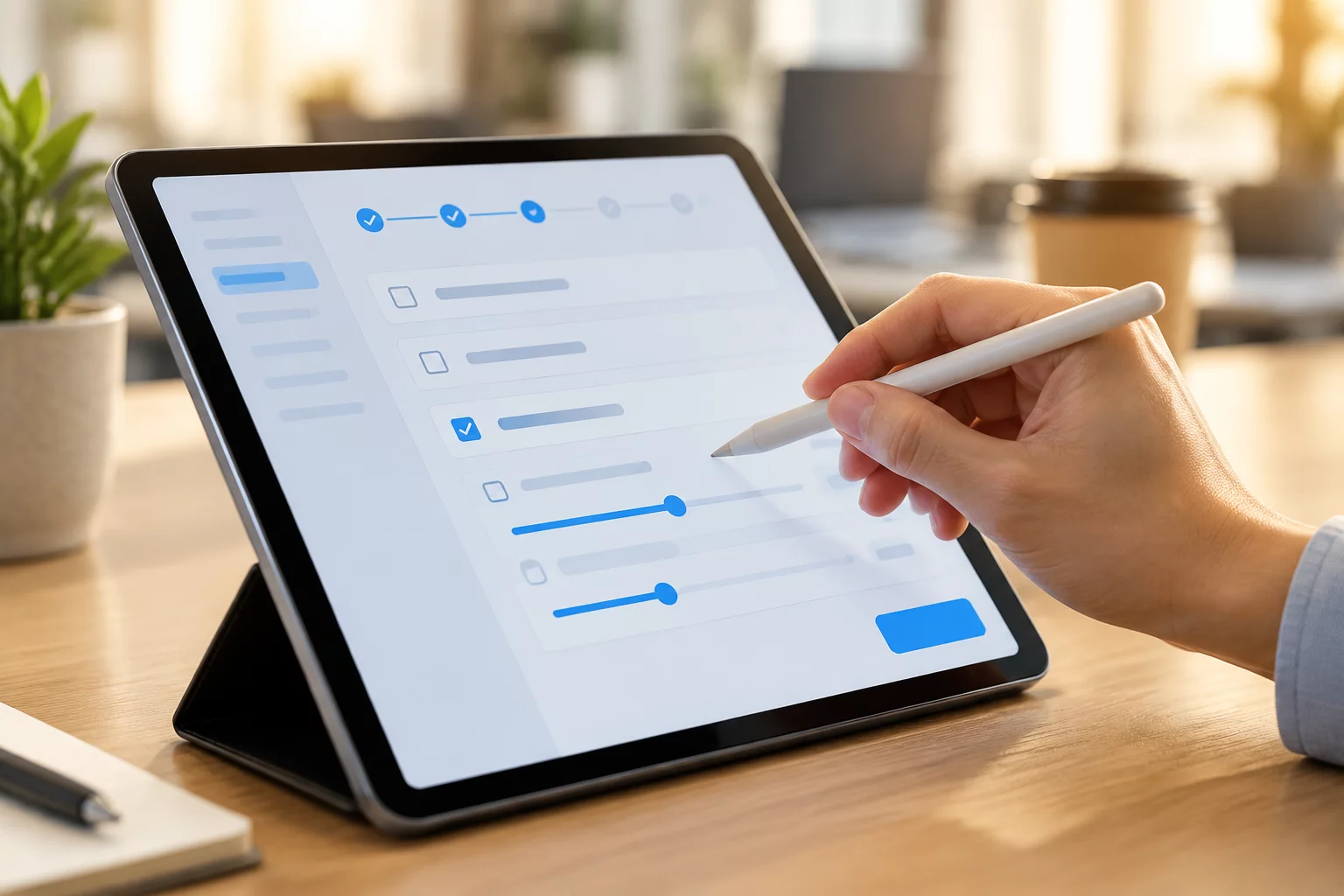
Post-Deployment Stability & Performance Review
A workstation replacement does not conclude once the physical unit arrives on a desk. The post-transition follow-up captures latent software compatibility glitches, peripheral driver drops, and user workflow friction during normal daily workloads.
Deploying this questionnaire within the second week of migration enables IT support staff to identify recurrent pain points across departments before they escalate into high-priority support tickets or impede routine business operations.
Step-by-Step Follow-Up Procedure
Follow this structured review sequence to gather comprehensive feedback and ensure the user workstation functions at full capacity:
- Initiate the 7-day health check to confirm core application responsiveness, local profile synchronization, and network mapped drives.
- Test secondary peripherals including document scanners, label printers, specialized docking stations, and audio/video conference gear.
- Inspect local data migration status to ensure archived email files, specialized browser certificates, and local macros transferred properly.
- Collect user satisfaction ratings regarding hardware boot speed, application responsiveness, and ergonomic desktop arrangements.
Interactive Completion Verification
Work through this interactive sign-off checklist alongside the workstation owner to close out migration service records:
Final Sign-Off Checklist
Mark each verification checkpoint as resolved during the follow-up meeting with the end-user.